Automated Patch Management
Some clients have taken our advice and are using this service, but may not fully understand what it does or how it works. Others are considering the service, especially since some states are still not heading back to the office or allowing onsite tech visits. So what is this and how does it work?
There are two types of patches—Microsoft patches, often related to security, and third-party patches for other popular software such as Adobe and Java. Microsoft releases patches weekly. Some of these are security related, so getting them out to the endpoints (computers) is a top priority. Others are less security-focused. In both cases, our techs review these updates, confirm they’re stable (not causing other problems), and release them to the computers. Some security patches are pushed regardless of the stability risk because they address a significant threat. Third-party patches are less frequent and we follow the same guidelines.
When the patches are released, they are downloaded to the network computer with our probe, then shared to all computers, or downloaded directly over the internet, queued up and ready to install. Many of these updates install in the background, no impact to the users. In some instances, a reboot is required, so on Friday late-afternoons, you’ll get a message and a count down to the auto-restart to finish the installation.
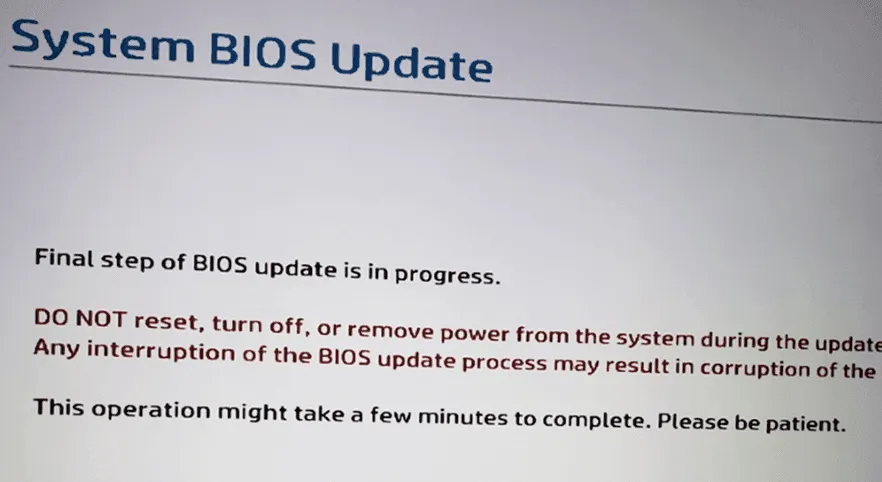
So here’s the most important part—the techs want to remind you to LET THE UPDATES RUN, PLEASE! We know these aren’t convenient, but they are important. There are some recent BIOS updates that are very important but take longer to install. Please let them install, let them run, do not turn off your computer until they finish. Any questions, just let us know. Thanks in advance for your help as we work to keep your computers safe! – CMW